
Your fee earners are leaking revenue.TimeWarp captures it automatically.
TimeWarp AI automatically tracks your fee earners’ entire day & writes their time recordings for them — recovering 30% of the billable time you never invoice.

0.0h billable0h
Analysing your day…Send to Clio · 0.0h · 0 linesReviewed opposing counsel’s claim-construction letter and drafted a response.
Video call with client re: settlement strategy and next steps.
Call and WhatsApp follow-up with the CFO re: the disclosure schedule.
Marked up the share purchase agreement and sent the redline.
You only earn what your fee-earners record.
Their salaries are paid no matter what. Your revenue depends on their time reaching accounts correctly.
Time isn’t recorded reliably.
Your lawyer is in the office till midnight, but their billings don’t match up. Some lawyers enter their time every day. Others catch up at the end of the week, from memory, once accounts starts chasing — and they can’t remember what they did.
Example · one lawyer’s week
- MonEntered same day6.8h
- TueEntered same day7.1h
- WedEntered Friday, from memory4.5h
- ThuEntered Friday, from memory4.0h
- FriNot entered yet–
Same lawyer, same workload. The days recalled later come in short.
Time gets quietly discounted.
Your junior lawyer feels bad a task took them 2 hours, so they only bill 1.5. It’s well-meant. It’s also a discount the partners never agreed to, and never see.
Example · one time entry
Draft lease amendment
Junior lawyer · Tuesday afternoon
Time worked2.0hTime recorded1.5h0.5h taken off before a partner saw the entry.
Small work gets forgotten.
Your fee-earners are constantly context switching. The ten‑minute call. The quick reply. The message from a client. None of it feels worth writing down at the time, and together it adds up to hours.
Example · one morning
- Call from a client0.1h
- Reply to the other side0.2h
- WhatsApp from a client0.1h
- Quick word with a partner0.2h
- Court portal check0.1h
0.7h of work before lunch. None of it written down.
TimeWarp records it for them.
It runs quietly in the background and writes each lawyer’s timesheet as they work. They review it and submit.
Instead of: Time isn’t recorded reliably.
Every day is recorded as it happens.
TimeWarp writes the timesheet while your lawyers work. At the end of the day they review it and submit, in about two minutes. Nothing is rebuilt from memory on Friday, and accounts stops chasing.
Example · the same week, with TimeWarp
- MonSubmitted same day6.8h
- TueSubmitted same day7.1h
- WedSubmitted same day7.0h
- ThuSubmitted same day6.9h
- FriSubmitted same day6.6h
Every day reviewed and submitted the day it was worked.
Instead of: Small work gets forgotten.
The small work is captured too.
The ten‑minute call, the quick reply and the message from a client are picked up automatically, in whatever app they happen, and written up against the right matter.
Example · the same morning, with TimeWarp
- Call from a client0.1h
- Reply to the other side0.2h
- WhatsApp from a client0.1h
- Quick word with a partner0.2h
- Court portal check0.1h
0.7h captured before lunch. All of it on the timesheet.
Instead of: Your current tool only sees part of the day.
Every app, everywhere.
Word, Outlook, your practice-management system, the court portal, WhatsApp, the phone. TimeWarp captures the work wherever it happens: any app, any website and any call, in 120+ languages.
Captured from
Captured from any app your firm uses — automatically.
A lawyer’s day shown as a timeline of 25 pieces of activity across 12 apps. TimeWarp groups related activity, such as a document, a web page and an email on the same piece of work, into 11 time entries, and files each to its matter: Acme – Patent Dispute, Meridian – Series B, Hale Estate – Probate, Northgate – Lease, Okafor – Employment, Brightwater – Acquisition. 6.5 hours captured in total.
0.0 hours across 0 matters
Magically simple to use.
No painful roll out, no new software to learn, no timers to start. TimeWarp runs in the background, and lawyers review at the end of the day. You’re up and running in less than a minute.
- 1Install TimeWarp (~45 seconds)
- 2Work your day like normal
- 3Review and submit (~2 minutes)
Installed — no setup required
What the average firm gets back.
In averages, per fee-earner, from the first month.
$0
average return per lawyer, per month
0min
saved every day writing time sheets
0min
more billable time captured every day
0x
average return on investment
Averages for a fee-earner billing $600/hr across a 22-day month, against $229/month for TimeWarp. Every bench is different — run your own numbers.
See where the firm's hours go, every day.
- Billable hours per lawyer, day by day
- Fixed-fee matters running over their quote, flagged early
- Worked time not yet submitted, caught before it walks away
- Built from submitted timesheets — capture stays on the lawyer’s device
Billable hours
178.6h
last 14 days
Fixed fees over
3 matters
time worth more than the fee
Outstanding
15.9h
worked, unsubmitted
Know what every lawyer, matter and matter type really earns.
- Effective rate and realisation by matter type
- Worked vs billed, lawyer by lawyer
- Non-billable time on client matters, ready to recover
- Days worked but never sent, flagged before they’re lost
58% of worked hours billed
1,052h worked → 608h billed
196h marked non-billable on client matters · $62,460 recoverable this month
Your work never leaves your device.
See what your firm is leaving on the table.
15 minutes, on your firm’s own numbers. No pitch deck, no pressure.
I was deeply sceptical that TimeWarp could make sense of a workday as fragmented as mine—jumping between documents, research, emails, and unrelated matters. But it didn’t just understand how I spent my time; it billed my day accurately. I was astonished.
As someone who constantly switches between matters, being able to clearly see how much time I have spent on each matter is extremely valuable.

TimeWarp is light-years ahead of other time recording platforms. And we tried them all.
TimeWarp is spot on. It’s very good — best time recording solution I’ve ever used.
Some firms prefer their testimonials to remain anonymous. Their details are available on request.
You already know who builds TimeWarp.
TimeWarp is made by The Prepared Company — the team behind BePrepared. For ten years we’ve built legal tech that firms and their clients rely on, and we’re a name the profession already turns to on security and digital assets.
More about TimeWarp and the team →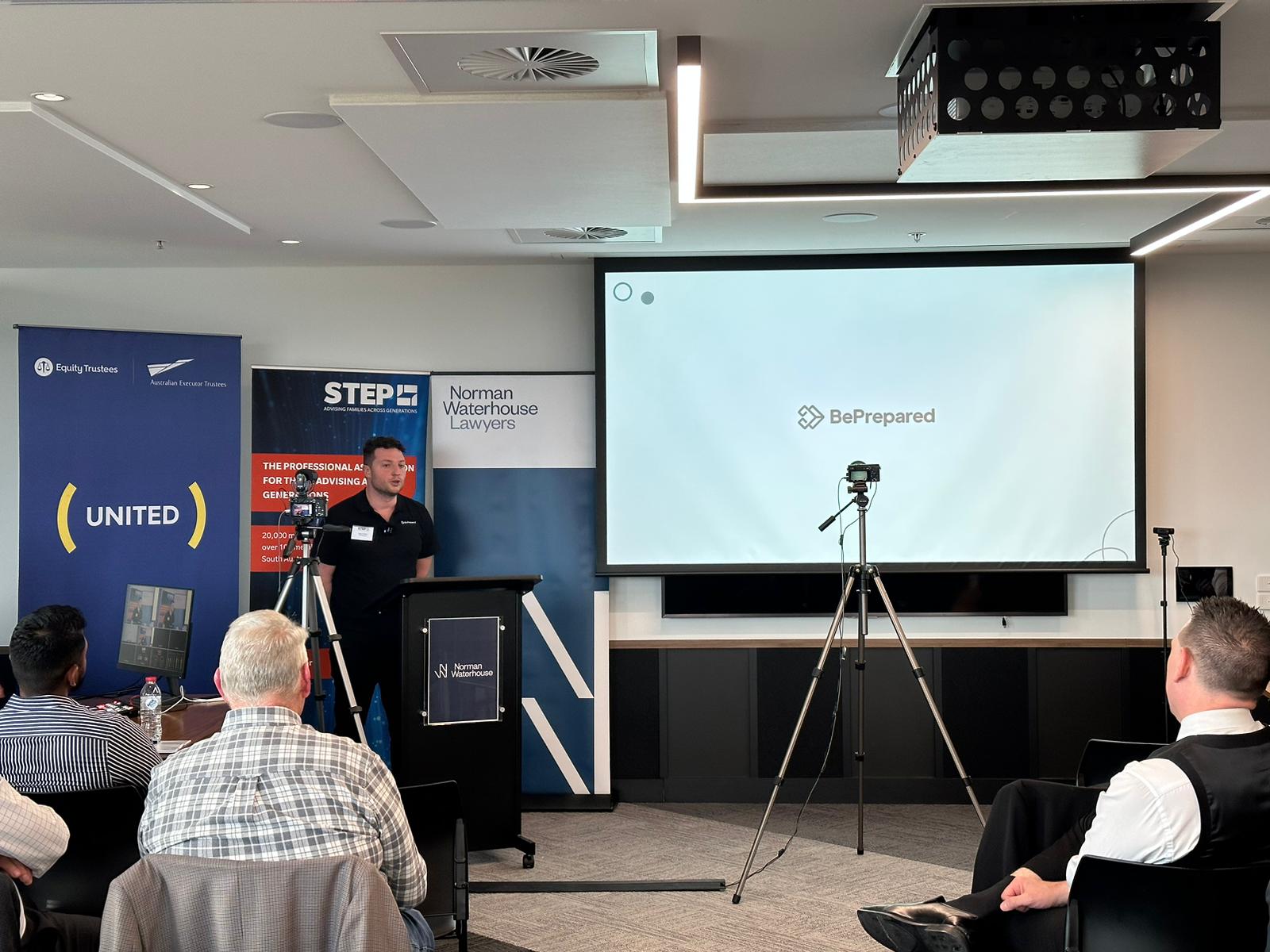
10 years in legal tech
The Prepared Company has built trusted software for law firms and their clients for a decade — including BePrepared, our estate-and-digital-assets platform.
Known for cyber-security
Firms trust us with their most confidential work. Security and privacy are built into everything we ship — your clients’ data never leaves your control.
Educators to the profession
We run accredited CPD sessions for lawyers on digital assets and emerging tech — speaking regularly at firms and industry bodies across the country.
The revenue your firm has already earned.
Every fee-earner leaks billable minutes. Aggregated across your bench, it is the largest line item hiding in the firm’s P&L. Run the numbers for your team.
Daily recovered
$6,000
Monthly recovered
$132,000
Annual billable time recovered
29x return$1,584,000
vs. $54,960/yr for TimeWarp
Take these numbers to the partnership meeting. Most firms recover the cost many times over in the first day.
Straight answers.
“Isn’t this just what our practice-management system already does?”
No. Your practice-management system sees your email and calendar (so do we), but it only records the time you spend inside it. The rest of your billable day happens everywhere else: phone calls, WhatsApp and WeChat, research, documents, court portals. TimeWarp captures all of it and writes it up against the right matter.
“How does this help me if my team already bills 6 hours a day?”
Even the most disciplined team leaves money on the table — the quick email replies, the spontaneous calls, the messages answered between tasks that never reach the timesheet. And that discipline has its own cost: lawyers who key their time diligently chew up part of every day just writing entries. TimeWarp captures what they miss and hands back the time they spend recording.
“Recorded isn’t collected. Our clients won’t just pay for more hours.”
True — which is why every entry is written to survive billing review: specific, plainly-described work on the client’s own matter, with evidence behind each line. Vague entries are what get written off; most of what TimeWarp recovers is small, uncontroversial units that today are simply given away for free. And the trial settles it on your numbers, not ours: if the recovered time doesn’t survive your own billing partner’s red pen, don’t proceed.
“How do I know the time it records is accurate?”
Nothing is billed automatically. Each lawyer reviews a clean timeline every day — with the screenshots and transcript behind every entry — edits what needs editing, and approves. It’s a defensible record, not a guess written from memory weeks later.
“Will my team feel like I’m monitoring them?”
It isn’t surveillance. Everything is processed privately on each fee-earner’s own machine, they review and approve their own day, and anything personal drops off the timesheet before it’s submitted. You see recovered billables — not a minute-by-minute log.
“Are we allowed to record phone calls?”
You’ve always documented calls — a detailed file note is professional practice, and this is the same record made properly: the lawyer’s own note of their own call, processed on their own machine, never sent to anyone. Call capture is optional and each lawyer controls it, so where your jurisdiction requires consent, handle calls exactly as your firm does today and let TimeWarp cover everything else.
“We’ve tried time-recording tools before. They were painful.”
The old tools are manual, and only as good as your case-management system. TimeWarp has no timers to start and nothing to learn — it runs quietly in the background and turns the work your lawyers already do into a finished, matter-coded timesheet.
“Does it work with our practice-management system?”
Every one of them. TimeWarp sits above your PMS rather than plugging into it, so it works with any system and any app — then hands you, or your accounts team, a ready-to-bill timeline with matter numbers already attached.
“Do we have to roll it out across the whole firm?”
No. Start with your worst biller for 14 days, then take the recovered billables to the partners — the rollout makes itself.
Prove it on one biller.
Put TimeWarp on the lawyer who never keys their time. We set them up ourselves, they run it free for 14 days, and if the recovered billables don’t speak for themselves, don’t proceed.
- 1
Pick your worst biller
The one who never keys their time.
- 2
We set them up, free for 14 days
One seat. No rollout, no IT project, no card.
- 3
Take the recovered $ to the partners
The rollout makes itself.
One biller leaks, every year
$158,400
vs. $2,748/yr for one seat — 58x back.
No card, no contract, no hard feelings.
See what your firm is leaking — in 15 minutes.
Pick a time that suits you. Bring your fee-earner count and rates — you’ll leave with your firm’s recoverable billings and an honest view of whether TimeWarp fits.
Calendar not loading? Book directly on Cal.com.
Rather we called you?
14-day free trial if it’s a fit. No card. Mac and Windows.